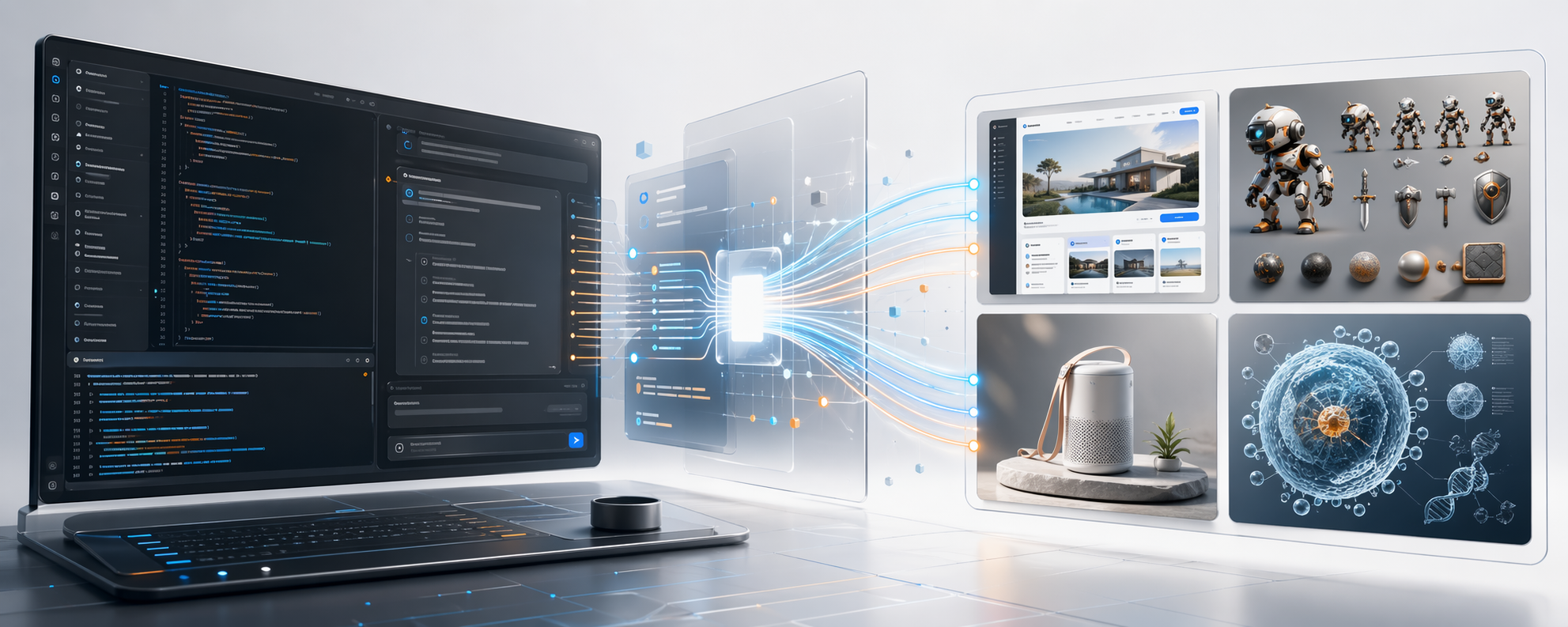
GPT Imagen
A Claude Code plugin that gives Claude the ability to generate and edit images using GPT Image 2.




-yellow?style=flat)

Install
In Claude Code:
plugin marketplace add aymenbouferroum/gpt-imagen
plugin install gpt-imagen@gpt-imagen
/reload-plugins
Then use any of the five included skills:
/gpt-imagen /frontend-mockup /game-asset-lab /paper-figure-visual /image-edit-studio
Full provider setup and local dev install: docs/INSTALL.md
Skills
| Skill | What it does |
|---|---|
/gpt-imagen | General-purpose image generation and editing |
/frontend-mockup | Landing pages, dashboards, product heroes, app store screenshots |
/game-asset-lab | Sprites, props, icons, key art, and stylized game visuals |
/paper-figure-visual | Conceptual research figures, pipeline diagrams, cover-style paper art |
/image-edit-studio | Background removal, restyling, compositing, and reference-driven edits |
Examples
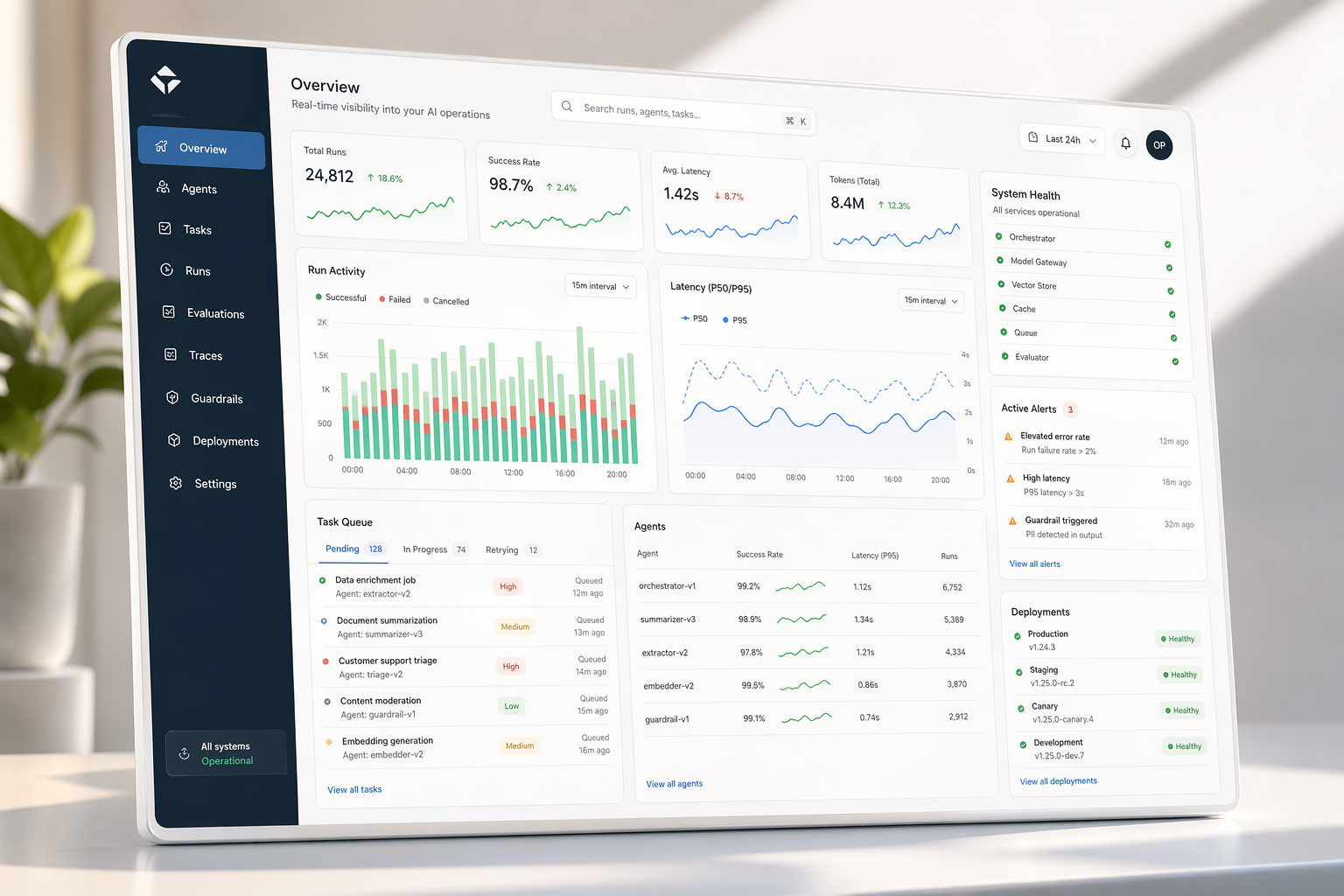 /frontend-mockup — Dashboard hero |
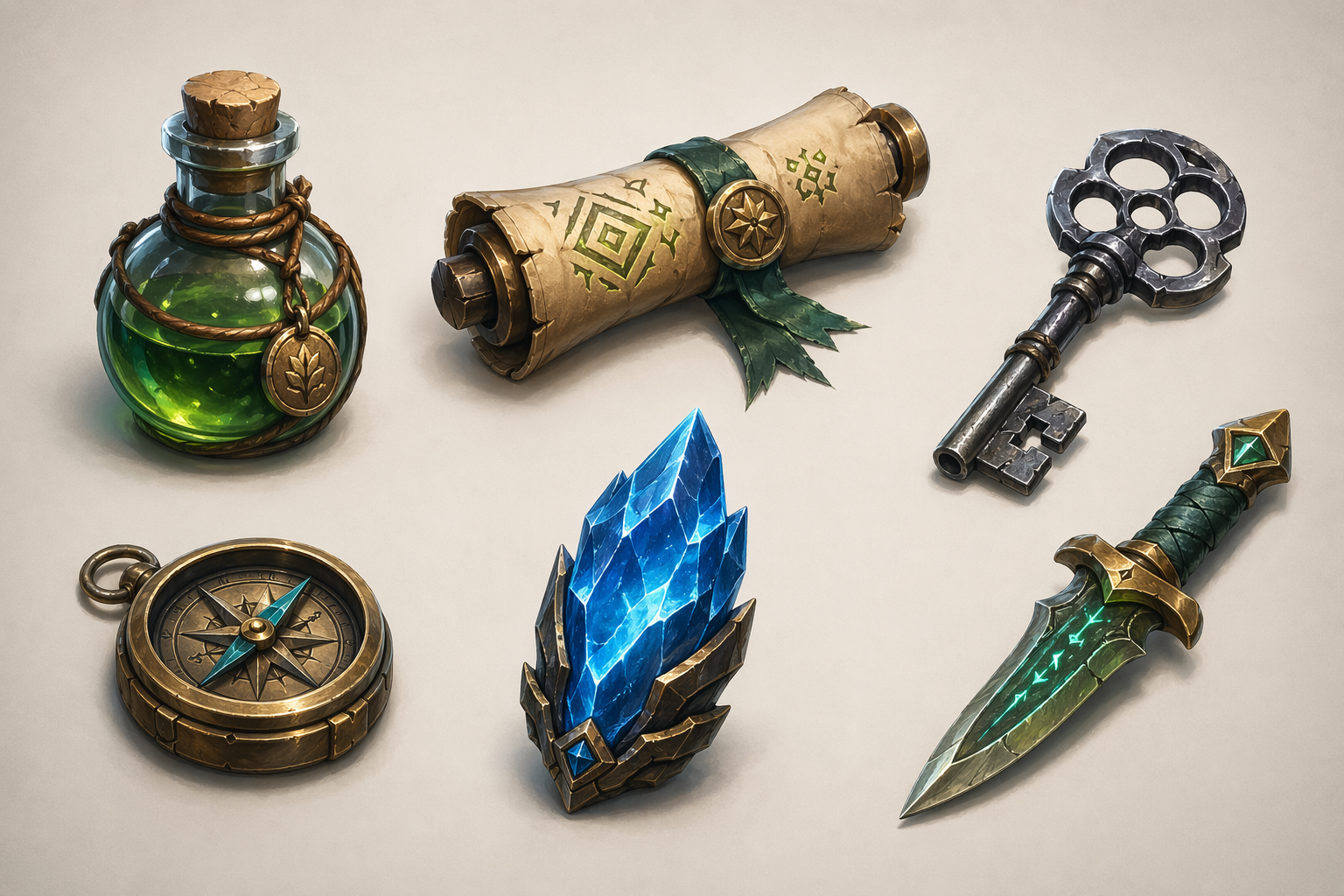 /game-asset-lab — Fantasy inventory icons |
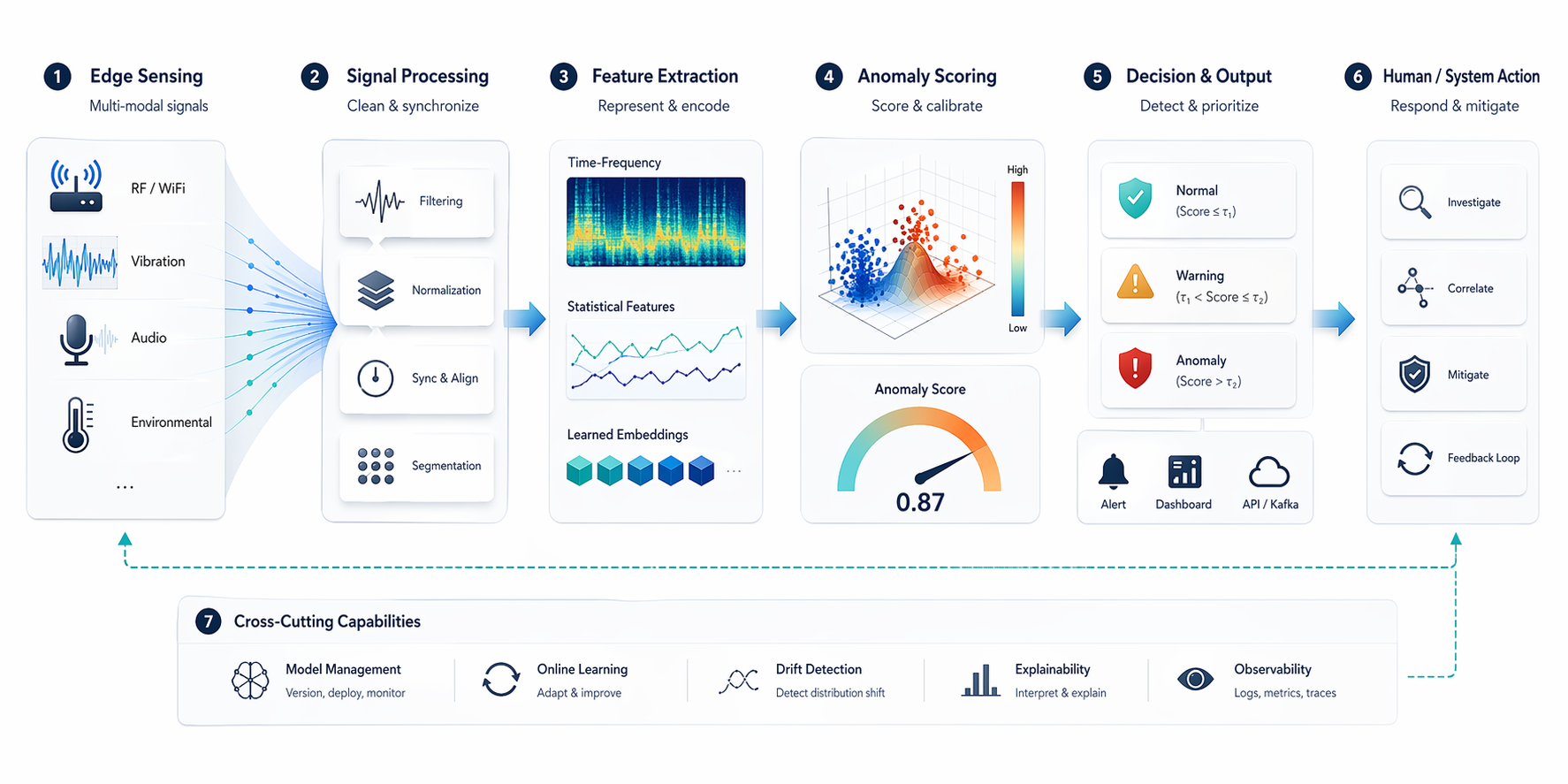 /paper-figure-visual — Pipeline concept figure |
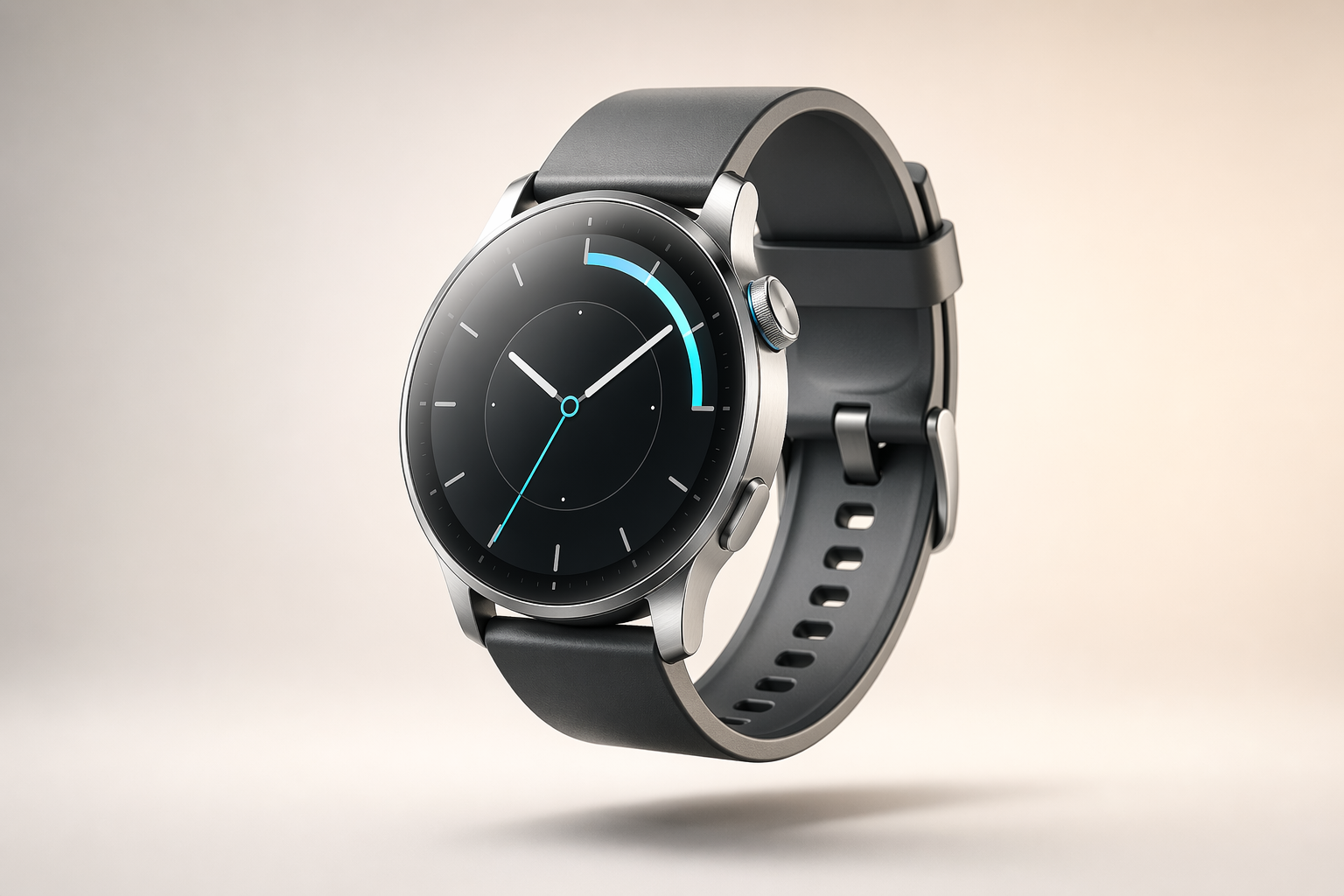 /gpt-imagen — Product render |
How it works
- You describe what you need — a landing page hero, a game icon set, a paper figure, or an edit to an existing image.
- Claude refines your request — it reads your repo context and structures a vague ask into a visual prompt.
- GPT Image 2 generates the image — via the OpenAI Images API (direct) or through Codex CLI (convenience path).
- The result lands in your workspace — saved as a timestamped PNG, ready for iteration.
Claude handles orchestration and prompt refinement. GPT Image 2 handles pixels.
Configuration
GPT Imagen supports two provider paths:
| Provider | Setup | Best for |
|---|---|---|
| OpenAI API (default) | Set openai_api_key in plugin config or OPENAI_API_KEY env var | Full GPT Image 2 control, mask-based edits |
| Codex CLI | Have codex installed and logged in | Zero-config convenience for existing Codex users |
The plugin uses auto mode by default: tries Codex first, falls back to the API.
Full configuration options: docs/INSTALL.md
Documentation
| Doc | Description |
|---|---|
| Install Guide | Provider setup, local dev install, configuration reference |
| Tutorial | Step-by-step examples for each skill |
| Capabilities | What GPT Imagen can and cannot do |
| Contributing | Development workflow and release process |
| Changelog | Version history |
| Acknowledgments | Credits |