claude-toolshed
A plugin marketplace for Claude Code — install pre-packaged skills directly into your Claude environment.
Trust warning: Plugins can execute arbitrary commands on your machine. Review a plugin's code before installing it.
Contents
Install
Add the marketplace, then install any plugin:
/plugin marketplace add diegomarino/claude-toolshed

/plugin install mermaid@claude-toolshed
/plugin install d2@claude-toolshed
/plugin install merge-checks@claude-toolshed
/plugin install dev-setup@claude-toolshed
/plugin install trim-md@claude-toolshed
/plugin install paperclip@claude-toolshed
/plugin install plugin-updater@claude-toolshed
Plugins
| Plugin | Description |
|---|---|
| mermaid | Generate, validate, render Mermaid diagrams from text or code (powered by beautiful-mermaid) |
| d2 | Generate, validate, render D2 diagrams from text or code — no Node.js required |
| merge-checks | Audit code changes across 13 quality dimensions |
| dev-setup | Generate dev server lifecycle scripts with pool-based port isolation (20000-29999) |
| trim-md | Trim and optimize markdown files for LLM agent consumption |
| paperclip | Audit Paperclip AI agent organizations — health, governance, tokens, workspace |
| plugin-updater | Auto-update third-party marketplace plugins on session start |
mermaid
Generate, validate, render, and manage Mermaid diagrams from natural language or existing codebases. Powered by beautiful-mermaid for themed rendering.
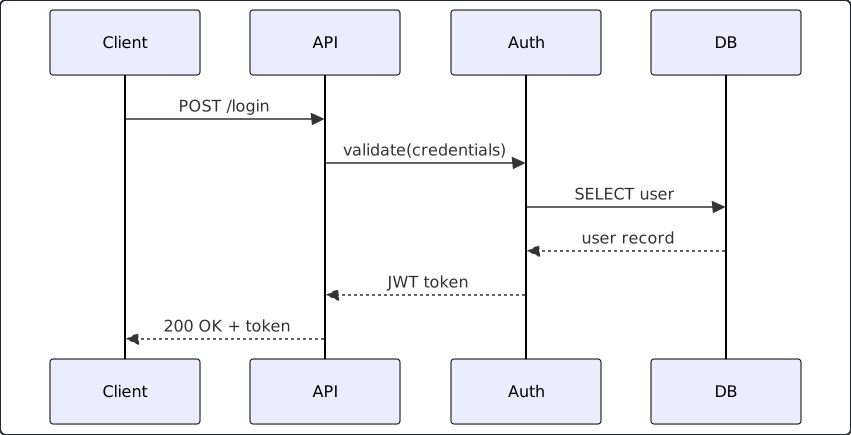
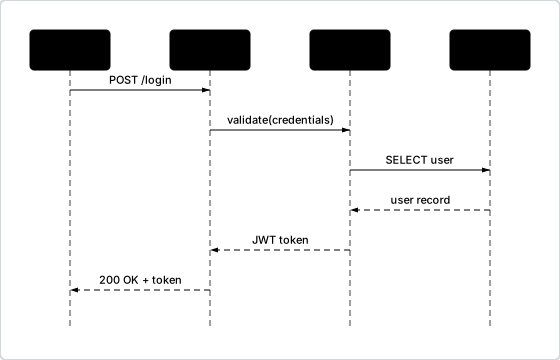
Default Mermaid → beautiful-mermaid (Dracula theme)
| Command | What it does |
|---|---|
/mermaid-diagram | Describe what you want — auto-detects the right diagram type |
/mermaid-architect | Point at a codebase — generates a suite of relevant diagrams |
/mermaid-validate | Check Mermaid syntax in .md files or directories |
/mermaid-render | Render .mmd files to SVG |
/mermaid-config | Set theme, output format, and check dependencies |
/mermaid-diagram "user login with JWT and refresh token"
/mermaid-architect src/
Full documentation → — diagram types, code-to-diagram routing, configuration, troubleshooting
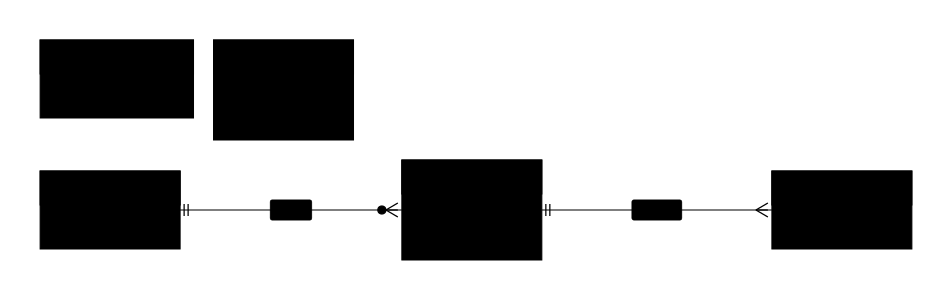
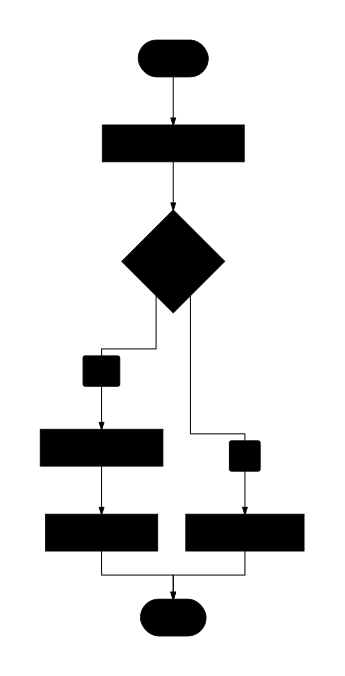
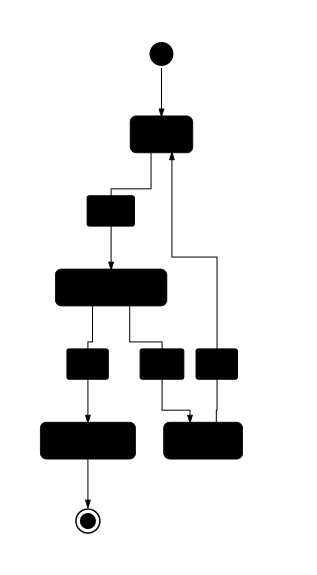
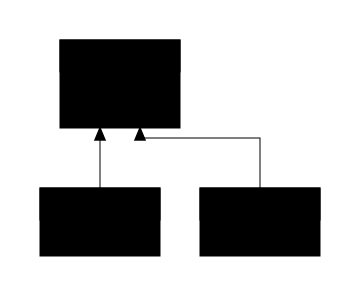
7 diagram types:
Sequence
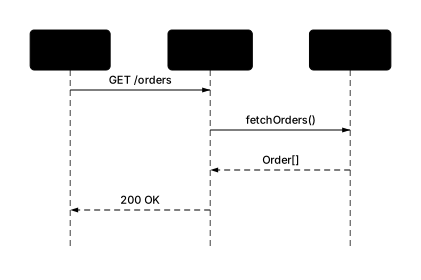
Architecture
Entity-Relationship
Activity
State
Class
Deployment
15 themes from beautiful-mermaid — same diagram, different themes:
 catppuccin-latte |  catppuccin-mocha |  dracula |
 github-dark |  github-light |  nord |
 nord-light |  one-dark |  solarized-dark |
 solarized-light |  tokyo-night |  tokyo-night-light |
 tokyo-night-storm |  zinc-dark |  zinc-light |
Requires: Node.js 18+ (rendering engine is bundled)
Credits (mermaid plugin):
- Rendering engine: beautiful-mermaid (MIT License)
- Documentation base imported or adapted from SpillwaveSolutions/design-doc-mermaid (MIT License)
d2
Generate, validate, render, and manage D2 diagrams from natural language descriptions or codebase analysis. Uses the d2 CLI binary directly — no Node.js or npm required.
| Command | What it does |
|---|---|
/d2-diagram | Describe what you want — auto-detects the right diagram type |
/d2-convert | Convert a Mermaid diagram to D2 format |
/d2-architect | Point at a codebase — generates a suite of relevant D2 diagrams |
/d2-validate | Check D2 syntax in .d2 files or directories |
/d2-render | Render .d2 files to SVG or PNG |
/d2-config | Set theme, layout engine, output settings, and check dependencies |
/d2-diagram "user login with JWT and refresh token"
/d2-architect src/
/d2-convert "sequenceDiagram\n  A->>B: hello"
4 diagram types:
Architecture / Flow

Sequence
Entity-Relationship

Class
Self-contained diagrams: every generated .d2 file embeds a vars { d2-config } block with theme and layout settings — renders correctly with just d2 file.d2 without extra flags.
11 themes:
 neutral (0) |  terrastruct (3) |  cool-classics (4) |
 mixed-berry-blue (5) |  colorblind-clear (8) |  vanilla-nitro-cola (100) |
 orange-creamsicle (101) |  neutral-dark (1) |  dark-mauve (200) |
 terminal (300) |  terminal-grayscale (301) |
Full documentation → — diagram types, configuration, themes, layout engines, troubleshooting
Requires: d2 CLI — brew install d2 (macOS) or go install oss.terrastruct.com/d2@latest
merge-checks
Audit code changes before or after a merge across 13 quality dimensions. Outputs a prioritized task list grouped by file.
| Command | What it does |
|---|---|
/merge-checks feature/auth | Pre-merge: diff current branch vs target |
/merge-checks 3 | Post-merge: audit the last 3 merge commits |
/merge-checks | Auto-detect: last merge or diff vs main |
Severity: 🔴 blocker (must fix before merge) · 🟡 should-fix · 🔵 nice-to-have
| Check | What it does |
|---|---|
| Documentation | Reads every project .md file (README, CLAUDE.md, ARCHITECTURE.md, etc.), maps its headings to areas, and checks if new files in the diff should be referenced there |
| Comment quality | Reviews newly added files for empty catch blocks, exported functions >5 lines without doc comments, magic numbers, unexplained regexes, and workarounds without "why" comments |
| Story coverage | Matches each .tsx/.vue/.svelte component against co-located .stories.* files; suggests story variants (empty state, typical, edge case) |
| Seed imports | Checks if new seed/fixture files are imported in the seed orchestrator (seed.ts, conftest.py, DatabaseSeeder, etc.) |
| Test existence | Searches for co-located .test.*/.spec.* files; 🟡 for source >80 lines, 🔵 for smaller files |
| i18n strings | Scans template files for multi-word natural-language strings (labels, placeholders, error messages) that should use t('key') |
| Suppressions | Finds @ts-ignore, eslint-disable, noqa in the diff and reads surrounding lines to verify a justification comment exists |
| Route registration | Checks if route handler files under routes/ are imported in the app bootstrap (app.ts, server.ts, router.ts) |
| Migration existence | Detects schema file changes (Drizzle, Prisma, TypeORM, SQLAlchemy) and verifies a migration file exists in the same commit range |
| Env coverage | Greps the diff for process.env.* / os.environ.* references and checks each variable is declared in .env.example |
| Debug artifacts | Greps the diff for debugger, console.log, FIXME, NOCOMMIT, PLACEHOLDER; 🔴 for blockers, 🟡 for warnings |
| Shared contracts | Detects type/interface shapes duplicated across API and frontend packages; flags candidates that belong in a shared package |
| i18n consistency | Compares translation keys across locale JSON files; finds keys missing from non-reference locales and stale extra keys |
Full documentation → — feature detection, 3-phase workflow, output format, save report
Requires: Git
dev-setup
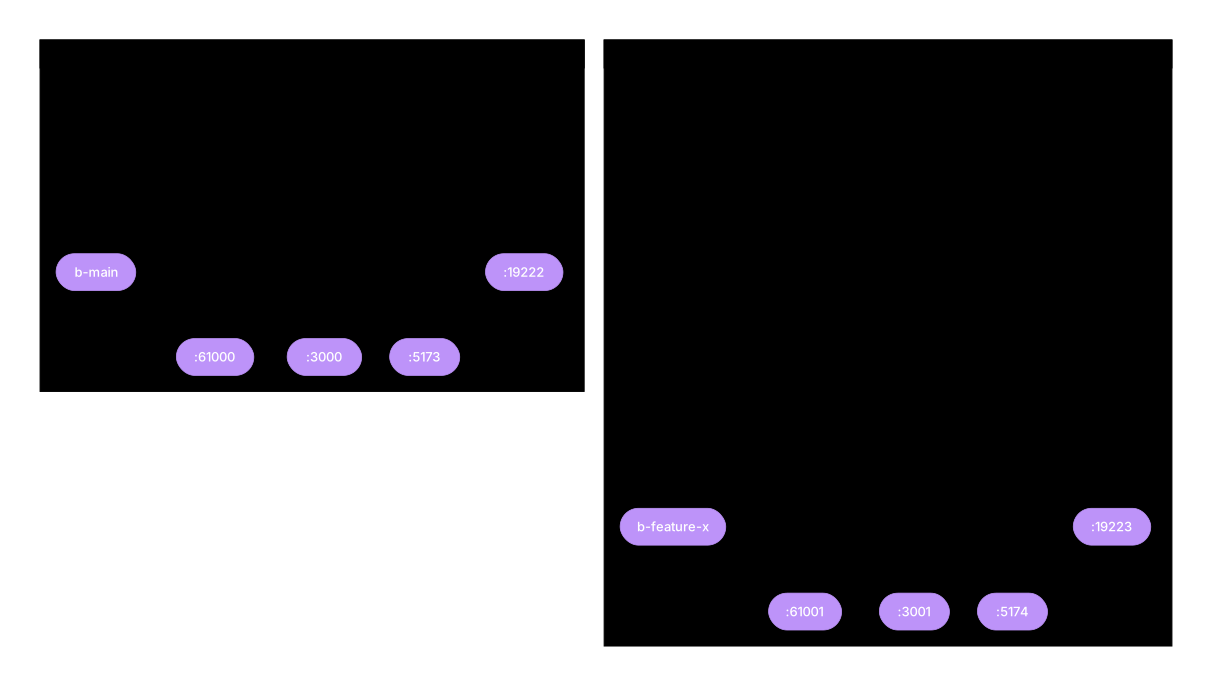
Detect a project's structure and generate bash scripts for managing dev servers, Chrome profiles, and port isolation. Ports are allocated from a safe pool (20000-29999) to avoid collisions across projects and worktrees.
| Command | What it does |
|---|---|
/dev-setup | Interactive setup — detects services, proposes config, generates scripts |
/dev-setup upgrade | Pull improvements from reference scripts into an existing project |
/dev-setup health | Check that recommended and optional dependencies are installed |
/dev-worktrees [branch] | Create an isolated git worktree with deps, port allocation, and baseline tests |
/dev-setup-config [key] [value] | View or update dev-setup settings (worktrees dir, port pattern, env file) |
Generated scripts — up to 11 bash scripts based on your project
| Script | Purpose |
|---|---|
dev-allocate-ports.sh | Allocate consecutive free ports from pool (20000-29999) |
dev-start.sh | Launch all services (tmux, concurrently, or manual) |
dev-stop.sh | Kill server processes + tmux session |
dev-restart.sh | Stop + start |
dev-status.sh | KEY=value status of all services, tmux, and Chrome |
dev-read-ports.sh | Port reading utility (sourced by other scripts) |
dev-session-name.sh | Tmux session naming from branch |
post-checkout.sh | Install deps after clone/checkout |
chrome-profile-setup.sh | Create isolated Chrome dev profile (optional) |
dev-open-browser.sh | Open tabs for running services (optional) |
dev-wt-ports.sh | Allocate ports via dev-allocate-ports.sh per worktree (optional) |
Runner options — 4 ways to launch servers
| Runner | How it works | Best for |
|---|---|---|
| tmux | Detached 3-pane session per branch | Full control, multiple worktrees |
| concurrently | All servers in one terminal | Simple projects, no tmux needed |
| tmux + fallback | Tmux when available, concurrently otherwise | Teams with mixed setups |
| manual only | Scripts generated, no auto-launcher | Custom orchestration |
Full documentation → — setup flow, script conventions, port naming, upgrade workflow
Recommended: lsof, shellcheck, gtr. Optional: tmux, shfmt, ttyd, Context7 MCP
trim-md
Trim and optimize markdown files for LLM agent consumption. Removes token waste (extra blank lines, trailing whitespace, hard tabs), normalizes structure (heading hierarchy, code block style), and reports what changed.
| Command | What it does |
|---|---|
/trim-md docs/ | Fix all markdown files in docs/ |
/trim-md file.md other.md | Fix specific files |
/trim-md dry-run . | Preview what would change without modifying files |
/trim-md | Fix all markdown in current directory |
Auto-formatting hook: once installed, automatically formats .md files on every Write/Edit — no manual invocation needed.
Dual-config strategy: detects existing markdownlint configs and switches to a safe 4-rule subset to avoid conflicts. Projects without a linter get the full 15-rule LLM-optimized config.
Opt-out: add <!-- trim-md:disable --> on its own line to exclude a file.
Full documentation → — all rules with LLM rationale, dual-config strategy, output format, testing
Requires: Node.js (markdownlint-cli2 auto-downloaded via npx)
paperclip
Audit Paperclip AI agent organizations. One command checks API health, agent config, task hygiene, governance compliance, token efficiency, workspace artifacts, and cross-cutting concerns.
| Command | What it does |
|---|---|
/audit-paperclip | Full org audit — all sections, all agents |
/audit-paperclip --agent CEO | Audit a single agent |
/audit-paperclip --section governance | Run one audit section only |
/audit-paperclip --verbose | Include passing checks in output |
~80 automated checks across 7 audit sections:
| Section | Checks | Examples |
|---|---|---|
| Agent Health | 19 | Stale sessions, PATCH overwrite detection, permission hangs, budget caps |
| Task Hygiene | 10 | Stale execution locks, blocked deadlocks, no-progress loops |
| Governance | 11 | Anti-invention rules, DoD delegation, dead endpoints |
| Token Efficiency | 7 + metrics | Agentic panic, rate limit tier risk, adapter-aware cost estimates |
| Workspace | 22 | Secret leaks in logs, missing artifacts, CLAUDE.md config leakage |
| Cross-Cutting | 9 | Stale endpoints, self-wake loops, language consistency |
| Reasoning (Claude) | 2 | Done-without-verification, task description quality |
Output: structured report with health score (0-100), severity-rated findings (E1/W1/I1), agent summary, token efficiency table, and prioritized recommendations.
Full documentation → — all checks, output format, architecture, troubleshooting
Requires: curl, jq, python3 (for token metrics). Optional: rtk (token savings), sqlite3 (DB schema checks)
plugin-updater
Auto-update third-party marketplace plugins on session start. Workaround for #26744 — plugins from non-official marketplaces don't auto-update. This plugin will become unnecessary once the bug is fixed.
| Command | What it does |
|---|---|
/plugin-updater | Force-update all third-party plugins now (bypasses cooldown) |
/plugin-updater status | Show plugin health dashboard with version comparison |
Installs a SessionStart hook that runs automatically. Updates marketplaces and plugins in parallel with a 1-hour cooldown to avoid hammering on rapid restarts.
Full documentation → — how it works, known limitations, status dashboard
Requires: claude CLI in $PATH