capcut-cli





English | 中文
Privacy — update to 0.18.0 if you have ever run
capcut fixture. In every version up to and including 0.17.2, the bundle that command produces carries thedevice_id,mac_addressandhard_disk_idCapCut stamps into your drafts. Only home paths and email addresses were redacted, andSANITIZE_REPORT.jsonwrote its ownsource_dir/out_dirunredacted, putting the username back. Because the documented flow is to attach that bundle to a public issue, following it published a stable device ID and MAC address while the filename and the report both said "sanitised". Fixed in 0.18.0 (#59). Treat any bundle generated by an earlier version as unsanitised.npm install -g capcut-cli@latest.
Security — update to 0.17.1 or newer. Versions up to and including 0.17.0 build the automation script behind
export --batchby pasting the draft folder's name into it, so a folder named with the right characters can run commands of its own on macOS and Windows. Fixed in 0.17.1, together with an ffmpeg filter option injection reachable from a draft's caption colour (render --burn-captions), acompilespec whosenamecould write outside the draft store, predictable temp files on every draft write, andserveechoing credential values into its own output. Both injection paths need a draft folder or draft file you did not author, so the exposure is local rather than remote.npm install -g capcut-cli@latest. Details in the changelog.
Disclaimer: This is an independent, community-maintained project. It is not affiliated with, sponsored by, or endorsed by CapCut, JianYing, or ByteDance Ltd. "CapCut" and "JianYing" (剪映) are trademarks of ByteDance Ltd. All product names, logos, and brands are the property of their respective owners and are used here only for identification (nominative) purposes.
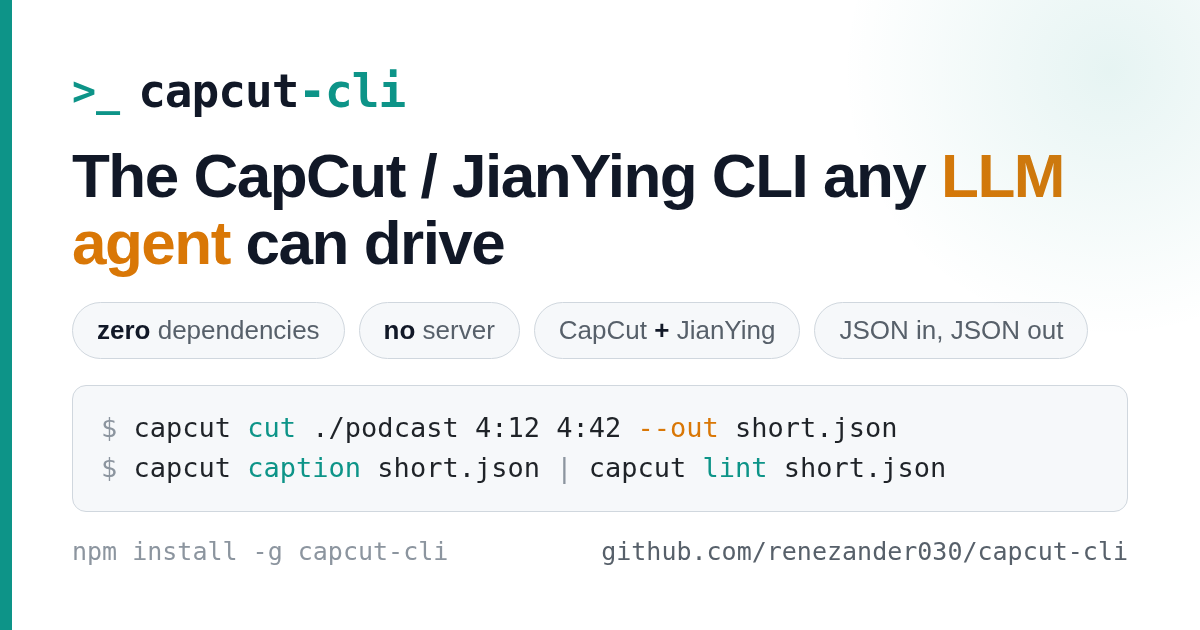
An independent CLI for CapCut / JianYing that any LLM agent can drive — zero dependencies, no server, both namespaces in one binary.
JSON in, JSON out: every command reads and writes the local draft store directly, with no MCP server or HTTP daemon. On newer CapCut versions it detects and synchronizes every readable timeline target instead of assuming draft_content.json is the only source of truth. That gives any model (Claude, DeepSeek, GLM, Kimi) a deterministic boundary for inspection, building, subtitles, captions, translation, and long-form cuts.
Use it three ways:
- CLI —
npm install -g capcut-cli, thencapcut <command> <project> - Library —
import { loadDraft, lintDraft, saveDraft } from "capcut-cli"(typed, zero-dep) - Queue runner —
capcut servereads JSONL jobs from stdin, for n8n / Make / Coze
New in v0.19.1: every multi-range text highlight was being written past the end of the text it styled.
styles[].rangeholds UTF-16 code units, not UTF-16LE bytes, sotext-ranges,caption --karaoke,--highlight-wordsand any preset carryingtext_rangesstored offsets twice as large as they should be — a plainadd-textlooked fine only because a full-span range clamps back to the end of the text (#85, measured by @hillimited across 38 app-authored drafts). Fixed everywhere those offsets are read or written, andlint --fixrepairs drafts written by earlier versions (text-range-doubled). Full details in the changelog.
New in v0.19.0: a long
renderno longer fails withERR_CHILD_PROCESS_STDIO_MAXBUFFERon a draft that was fine, and a render that does fail now names the missing decoder, encoder or filter instead of dumping ffmpeg's output;render --progressstreams progress so a ten-minute job stops looking hung.lintgained three checks — caption reading speed (--max-cps), vertical safe-area (--safe-area) and speed consistency — andlint --fixcan finally re-wrap CJK captions without disturbing per-character styling. Plusexport-timelineno longer rounds a sub-half-frame clip to a zero-length OTIO clip (#82), and the keyframe docs now name theproperty_typethe code actually writes (#80). No command was removed and no existing flag changed meaning. Full details in the changelog.
Install
Prerequisites: Node ≥ 18 (built-ins only — no native modules). Optional tools unlock specific commands: Whisper for caption, FFmpeg for render, ffprobe for automatic media metadata, and ANTHROPIC_API_KEY for translate.
npm install -g capcut-cli # or: npx capcut-cli <command>
Build from source instead: git clone https://github.com/renezander030/capcut-cli && cd capcut-cli && npm install && npm run build (then npm link to expose capcut).
Quickstart
capcut doctor                                  # verify Node, FFmpeg, whisper, draft dirs
capcut quickstart my-first --video clip.mp4    # create + add input + lint, prints the "open in CapCut" step
capcut info ./my-first/                         # inspect the draft (add -H for a table)
Then open the project in CapCut to review and render. Every short-video platform forbids automated upload, so the publish click stays human.
Commands
JSON by default (pipe to jq); add -H for a human-readable table. Pass --jianying to use the JianYing enum namespace. Run capcut <command> --help for full flags.
| Group | Commands |
|---|---|
| Inspect | info · tracks · materials · version · lint |
| Browse / drill in | segments · texts · segment · material |
| Create | init · quickstart · compile (build a draft from a JSON spec) |
| Preview | render (low-res ffmpeg proxy — not CapCut's final render) |
| Add | add-video · add-audio · add-text (Wikimedia URLs supported, license-checked) |
| Edit / animate | trim · speed · volume · transitions · masks · text/image animations · easing curves |
| Templates | apply and extract reusable layouts · make-preset (portable text-style presets) |
| Subtitles & i18n | caption · import-srt · export-srt (line/word SRT + VTT) · translate (multi-language draft clone) |
| Effects | sfx · chroma (chroma key) |
| Long-form → short | cut · detect-scenes (ffmpeg scene-cut detection) |
| Automation | serve (stateless JSONL runner) · migrate · doctor · sync-timelines (8.7 mirror repair) |
Full reference for every command, option, and exit code: docs/command-reference.md (简体中文: docs/command-reference.zh-CN.md).
Sponsor
capcut-cli is MIT and free forever. Sponsoring funds faster releases and same-week support for new CapCut / JianYing versions — and unlocks power-user extras:
- $5/mo · Supporter — sponsors-only release notes plus your name in
BACKERS.md. Keep the project moving. - $25/mo · Pro — invite to the private
capcut-cli-prorepo: premium template and caption-style packs, the full Claude viral-shorts pipeline, ready-to-runcompilespecs, and early-access builds. Plus priority issue triage. - $100/mo · Team — everything in Pro for up to 5 teammates, written commercial-use confirmation, your logo in this README, and priority fast-tracking of the features your team needs.
Using capcut-cli at work? The Team tier pays for itself the first afternoon it saves your engineers.
How it works
CapCut/JianYing store each project as local JSON. capcut-cli loads that store, validates against a version-aware schema, applies your edit, and writes it back atomically (with a .bak). No project files are uploaded anywhere; nothing runs as a service. See docs/version-support.md for the CapCut/JianYing versions and schema flags it understands.
Docs & examples
- docs/command-reference.md — every command and flag (简体中文)
- docs/quickstart.zh-CN.md — 剪映快速上手 (JianYing-first quickstart, Simplified Chinese)
- examples/ — end-to-end recipes (VO alignment, serve automation, batch subtitle correction)
- docs/version-support.md · docs/jianying-encryption.md
- CHANGELOG.md · Releases — what's new
- draftcat — sibling project: governed AI pipelines (Go, MIT), same single-binary, no-API design
Trademarks
CapCut™ and JianYing™ (剪映) are trademarks of ByteDance Ltd. This project is unofficial and is not affiliated with or endorsed by ByteDance; the marks are used nominatively to describe interoperability.
License
MIT