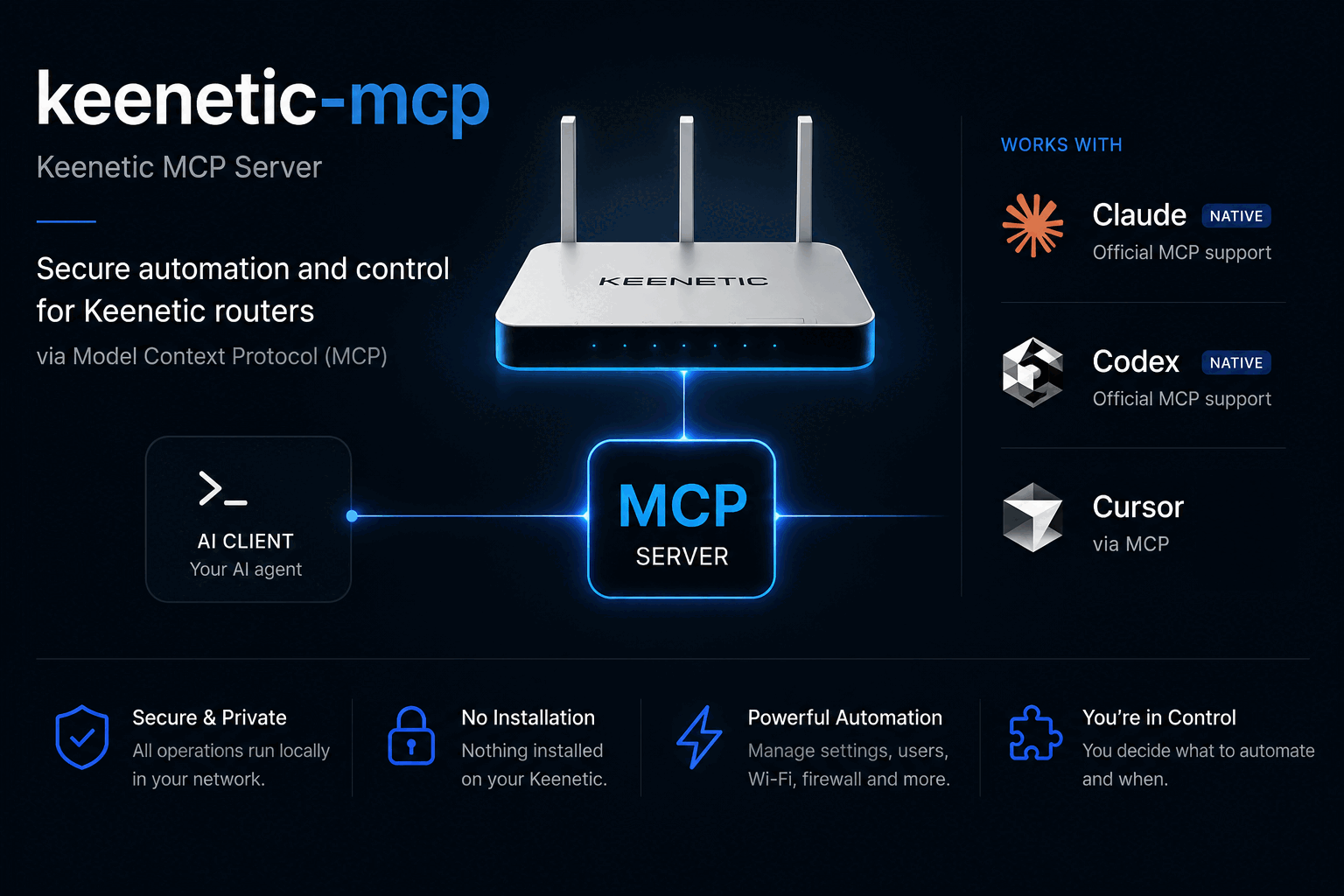
keenetic-mcp
Control your Keenetic router from Claude, Codex, Cursor, or any MCP agent.



Ask your agent about your network in plain language. No USB stick, no Entware, nothing installed on the router.
> who is using the most bandwidth right now?

  Three devices are active. Sorted by traffic:

  work-laptop      wifi:HomeNet   -46 dBm    7.7 GB down
  living-room-tv   wired:Home                3.2 GB down
  hallway-camera   wifi:HomeNet   -48 dBm    5.4 MB down

  The laptop is on the 2.4 GHz radio at -46 dBm, which is a strong
  signal, so the throughput is not a coverage problem.

> block the camera until tomorrow morning

  Blocked hallway-camera (02:00:00:00:00:14).

  Applied to the running configuration and verified, but NOT saved.
  A reboot discards it. Backup taken before the change:
  ~/Library/Application Support/keenetic-mcp/backups/…txt

  Say the word and I will make it permanent, or leave it and it
  reverts on the next restart.
Why
- Nothing on the router. It talks to the router's own HTTP API over your LAN. No USB drive, no Entware, no firmware modification.
- Works on any Keenetic. The tool set adapts to what your specific model and firmware actually support.
- Safe by construction. Changes are never saved unless you ask, a backup is taken before the first one, and every change is read back and verified before it is reported as done.
- Read-only if you want it. One flag and the agent physically cannot change anything.
Install
Claude Code
/plugin marketplace add salatmaster/keenetic-mcp
/plugin install keenetic@keenetic
Then run the setup wizard in your terminal:
npx -y keenetic-mcp init
Codex
codex plugin marketplace add salatmaster/keenetic-mcp
codex plugin add keenetic@keenetic
npx -y keenetic-mcp init
This brings the skills along with the server. For the server on its own:
codex mcp add keenetic -- npx -y keenetic-mcp
Anything else
{
  "mcpServers": {
    "keenetic": { "command": "npx", "args": ["-y", "keenetic-mcp"] }
  }
}
The wizard finds your router from the default gateway, confirms it really is a Keenetic, checks the password against it, and stores the password in your operating system keychain. Only the address and login go in a settings file.
Prefer environment variables? KEENETIC_HOST, KEENETIC_USER and
KEENETIC_PASSWORD override everything, which is what you want in a container.
What it can do
Read
| Tool | |
|---|---|
list_devices | every device, filtered by active, wired, wireless or blocked, sorted by traffic or signal |
get_device | one device in full: lease, Wi-Fi rate, policy, schedule, traffic |
list_interfaces | WAN links, bridges, access points, VPN tunnels |
get_interface | one interface in full, including WireGuard peers |
get_wifi_status | radios by band, with client counts |
get_internet_status | reachability, and which check failed |
list_routes | routing table, or just the default route |
list_policies | connection policies for selective routing |
get_system_info | model, firmware, CPU, memory, installed components |
get_config_state | unsaved changes, who changed what and when |
list_segments | every bridge, and whether the web interface lists it as a segment |
backup_config | download the configuration to a local file |
Change
| Tool | |
|---|---|
update_device | rename, block or allow, assign a routing policy, schedule or priority |
set_interface_state | bring an interface up or down |
create_segment | a guest or IoT network the web interface actually lists, with Wi-Fi, DHCP and optional VPN routing |
delete_segment | remove a segment and everything created with it |
save_config | make pending changes survive a reboot |
Escape hatch
| Tool | |
|---|---|
rci_call | any router API path at all, for whatever the tools above do not cover |
Skills included
The plugin ships four skills, so the agent knows how your router behaves rather than guessing. One plugin directory serves both Claude Code and Codex: they read different manifests but share the same skills and the same server definition.
- keenetic-rci teaches the router's API tree: which paths exist, which ones return 100 KB, and how to recover the exact syntax of a command from the router's own configuration.
- keenetic-safe-changes teaches the change workflow: what the router's fail-safe does and does not protect against, and which interfaces will cut off your own access.
- keenetic-segments covers building an isolated network the router will admit exists. The obvious way produces a guest network that carries traffic perfectly and never appears in the web interface, because a segment is VLAN-backed and the VLAN is the part everyone leaves out.
- keenetic-troubleshoot is an ordered diagnostic playbook for "the internet is down", "Wi-Fi is bad" and "one device cannot connect".
Safety
- Nothing is saved unless you ask. Changes apply to the running
configuration and are discarded on reboot until
save_configis called. The server never calls it on its own. - A backup is taken automatically before the first change of a session.
- Every change is verified. The router accepts some wrong commands silently and changes nothing, so each write is read back and compared before it is reported as successful.
- Read-only mode really is read-only. With
--read-only, the write tools are not registered at all rather than registered and refusing, so the agent never sees them. - Your password goes in the system keychain, not in a config file, and never in a log or a tool response.
- LAN only. No cloud, no telemetry, no outbound connection to anything but your router.
Where the password is stored on each platform, and how to report something privately, are in SECURITY.md.
Supported routers
RCI, the API this uses, is a standard part of KeeneticOS rather than a feature of expensive models, so this works across the range. Verified against a Keenetic Ultra (KN-1811) on KeeneticOS 5.1.3.
Models on the current 5.1 branch: Giga (KN-1010), Hero (KN-1011, KN-1012), Start and Starter (KN-1111, KN-1112, KN-1121), Air and Explorer (KN-1613, KN-1621), Extra and Carrier (KN-1713, KN-1714, KN-1721), Ultra and Titan (KN-1810, KN-1811, KN-1812). Older hardware on 4.x and earlier has RCI too; the tool set adapts to the components each router actually has.
How it works
Keenetic routers expose RCI, a JSON mirror of their command-line tree, over HTTP. This server authenticates with the router's challenge-response scheme, keeps one session alive across the agent's questions, and shapes the answers so they fit in a model's context: the raw interface listing alone is 32 KB, and the NAT table is over 100 KB.
There is no coherent public documentation for RCI, so docs/rci-api.md is the notes taken while building this: the authentication handshake, the paths that exist, the traps, and how to recover a command's syntax from the router itself.
Development
npm install
npm test          # no router required
npm run typecheck
npm run build
A checkout reports its version as 0.0.0-dev, because there is no version
written down anywhere in the sources. Put KEENETIC_MCP_VERSION in a .env at
the repository root to say otherwise; the same file can hold KEENETIC_HOST
and KEENETIC_PASSWORD so you do not have to export them. A real environment
variable always wins over that file, and an installed copy never reads one.
Tests run against sanitized fixtures captured from a real router. To refresh them, and to run a read-only smoke test against your own:
KEENETIC_HOST=… KEENETIC_PASSWORD=… npm run capture:fixtures
KEENETIC_TEST_HOST=… KEENETIC_TEST_PASSWORD=… npm run smoke
Fixtures are anonymized deterministically and a test scans the whole repository for anything that looks like a real MAC address, private IP or key.
The setup wizard reads a password from the terminal, which no unit test can reach: piped input takes a different code path entirely. That part is checked with a script that drives a real pty, so it needs a terminal and cannot run in CI:
KEENETIC_TEST_PASSWORD=… ./scripts/verify-wizard.exp
Releasing
A release is a tag and nothing else. There is no version commit to write,
because there is no version in the repository to change: package.json carries
0.0.0-dev, the plugin manifests carry none at all, and the release workflow
stamps the tag into package.json immediately before publishing without
committing it.
git tag v0.2.2 && git push origin v0.2.2
The workflow refuses a tag that does not name a version, and a test refuses a
tree that has a version written into it, so the two can never disagree. The
plugins pin keenetic-mcp@^0, which tracks the major only and is meant to be
edited once, at 1.0.
License
MIT