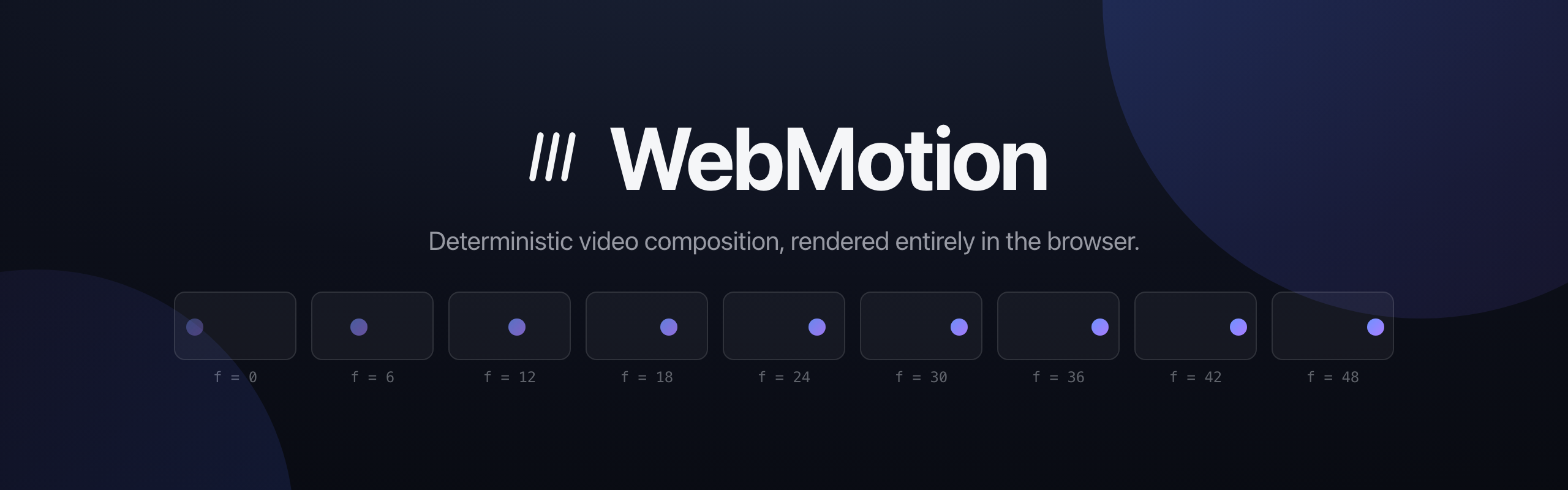


WebMotion is a browser-native alternative to Remotion. No headless Chrome, no FFmpeg, no render farm: compose in the DOM or on a canvas, encode with WebCodecs, and download an MP4, all client-side.
It rests on one rule: everything visible is a pure function of the current frame. Seeking to frame N always produces the same image, whether it's the first frame rendered or the ten-thousandth, in preview or in export. That is what makes rendering seekable, cacheable, and frame-accurate without a server.
Install
npm install @superhq/webmotion
Start a project
Prefer a ready-made setup? Scaffold a Vite project with a live preview, a zoomable scrub timeline (section labels and an audio lane), and one-click MP4 export:
npx degit superhq-ai/webmotion/template my-video
cd my-video
npm install
npm run dev
Then author your video in src/scene.js and the preview reloads as you save. See template/README.md for the details.
Write video in HTML
Import the elements entry once and the scene is just markup:
<script type="module">
  import "@superhq/webmotion/elements";
</script>

<w-composition width="1280" height="720" fps="30" duration="150" autoplay>
  <w-defs>
    <w-animation name="fade-up">
      <w-animate property="opacity" from="0"  to="1" start="0" end="18" easing="easeOutCubic"></w-animate>
      <w-animate property="y"       from="40" to="0" start="0" end="18" easing="easeOutCubic"></w-animate>
    </w-animation>
  </w-defs>

  <w-rect x="0" y="0" width="1280" height="720" fill="#0d101b"></w-rect>

  <w-sequence from="12">
    <w-text motion="fade-up" x="0" y="250" width="1280" align="center"
            font="700 96px system-ui" color="#f5f6f8">Author in HTML.</w-text>
  </w-sequence>
</w-composition>
A <w-sequence from duration> shifts the frame origin for its subtree; a <w-animate> is one tween of one property over a frame window, pure function of the local frame, so the live preview and the exported video are pixel-for-pixel the same scene. Tweens can be written inline as children for one-offs, or defined once in <w-defs> and applied by name with motion="...", class-like. The full rules (scoping, ordering, staggering through sequences) are in the motion spec. Repetition is declarative too: <w-for> stamps templated children from <w-data> JSON with {path + arithmetic} placeholders (template spec); sound is <w-audio> on the same timeline (audio spec); cuts and dissolves between scenes are one element, <w-transition>, a frame-pure dither, wipe, or iris plate that stays cheap at export (transitions). For previewing there is a standard transport, <w-player>: wrap the composition and get play controls, a zoomable scrub timeline with chapter labels from <w-sequence label> and an audio lane, volume and mute, fullscreen, and keyboard control (player spec).
The element drives itself:
const comp = document.querySelector("w-composition");
comp.play();
comp.seek(42); // deterministic: always the exact same image
const blob = await comp.export(); // MP4, encoded in the browser
Or write video in TypeScript
The programmatic API underneath is a small component contract: renderFrame receives a frame index and draws.
import { Composition, Runtime, Layer, Sequence, CanvasRenderer, interpolate, Easing } from "@superhq/webmotion";

const composition = new Composition({ width: 1280, height: 720, fps: 30, durationInFrames: 180 });

class Title {
  mount() {}
  renderFrame({ ctx, frame, width, height }) {
    ctx.globalAlpha = interpolate(frame, [0, 20], [0, 1], { easing: Easing.easeOutCubic, extrapolateRight: "clamp" });
    ctx.fillStyle = "#fff";
    ctx.font = "600 84px system-ui";
    ctx.textAlign = "center";
    ctx.fillText("WebMotion", width / 2, height / 2);
  }
  destroy() {}
}

const runtime = new Runtime({
  composition,
  renderer: new CanvasRenderer(1280, 720, { canvas }),
  layers: [new Layer({ component: new Title(), sequence: new Sequence({ from: 20 }) })],
});

await runtime.renderFrame(30); // draws exactly frame 30, every time
Prefer real DOM over canvas drawing? The @superhq/webmotion/html-in-canvas backend renders live HTML and rasterizes it per frame. It is named after, and tracks, the WICG html-in-canvas proposal: today a foreignObject rasterizer stands in as the polyfill, and the native APIs take over when browsers ship them. See the architecture notes for that and everything else.
Need 3D? Install three and import @superhq/webmotion/three to get <w-model>: an animated glTF entity whose clips run on the frame clock, composited with everything above and exported deterministically. See THREE.md.
Got raw footage? Install mp4box and import @superhq/webmotion/video to get <w-video>: a video clip decoded frame-exact with WebCodecs, drawn on a live canvas, with its audio folded into the export mix. See VIDEO.md.
The site
Live: webmotion.superhq.ai - the hero there is a live composition you can scrub frame by frame and export to MP4 in the page.
Run it locally:
git clone https://github.com/superhq-ai/webmotion && cd webmotion
npm install
npm run demo
The site is an Astro + Tailwind project in site/; npm run demo:build writes the
static build to site/dist. Its scenes live in site/src/scenes/ and its
assets are generated by the scripts in scripts/. npm run bench serves the
rasterizer bench in examples/, a dev harness for measuring the html-in-canvas
path. Export needs a Chromium-based browser (WebCodecs H.264 and OffscreenCanvas).
AI skill
skills/webmotion/ is an installable agent skill that teaches AI coding agents to author WebMotion scenes: the element reference, motion rules, styling guidance, export wiring, and launch-film recipes with pacing craft.
Install with the skills CLI (works with Claude Code, Cursor, Copilot, and 15+ other agents):
npx skills add superhq-ai/webmotion
Or copy the folder directly for Claude Code:
npx -y degit superhq-ai/webmotion/skills/webmotion ~/.claude/skills/webmotion
Then ask for a video ("make me a 10 second launch film for X") and the agent knows the format.
Look at a scene without opening a browser
An agent writing a video is working blind: it can author 240 frames of timing and never see a pixel. The webmotion command closes that loop.
npx webmotion shoot          # PNGs of the key frames, into .webmotion/shots
npx webmotion lint           # what is mechanically wrong with the scene
Both take a scene entry and fall back to src/scene.js, scene.js, or index.html in the working directory. Either the starter's config + scene module or a plain HTML page holding a <w-composition> works.
shoot picks its frames from the scene's own structure: the first frame, the last, and the start, middle, and end of every labelled <w-sequence>. Override with --frames 0,45,120.
lint reports what a contact sheet is worst at showing: two tweens fighting over one property, text overflowing its box, an entity that never makes it into the frame, an asset that will export as a hole, a font stack that resolves to nothing, a labelled beat where nothing moves. It exits non-zero when it finds an error, so it works in CI as well as in a loop.
Both drive a real browser through Playwright, using your installed Chrome when there is one:
npm install --save-dev playwright
Every rule, what it means, and how to fix it: CLI.md.
Agent plugin
The same thing, packaged as a plugin with commands: /webmotion:create-video writes a video from a brief and checks the frames, /webmotion:review-scene critiques an existing one, /webmotion:edit-scene makes a targeted change and verifies it.
# Claude Code
claude plugin marketplace add superhq-ai/webmotion
claude plugin install webmotion@webmotion

# Codex
codex plugin marketplace add superhq-ai/webmotion
codex plugin add webmotion@webmotion
One package serves both: Codex reads the same .claude-plugin/plugin.json.
Development
npm test           # unit tests (Node, no browser needed)
npm run typecheck
npm run build      # tsc -> dist/
License
MIT. The HTML rasterizer is a derivative of MIT-licensed work by repalash; see CREDITS.